
Change the Data Storage Path
PixStart's default data storage path is:
%AppData%\PixStart.App
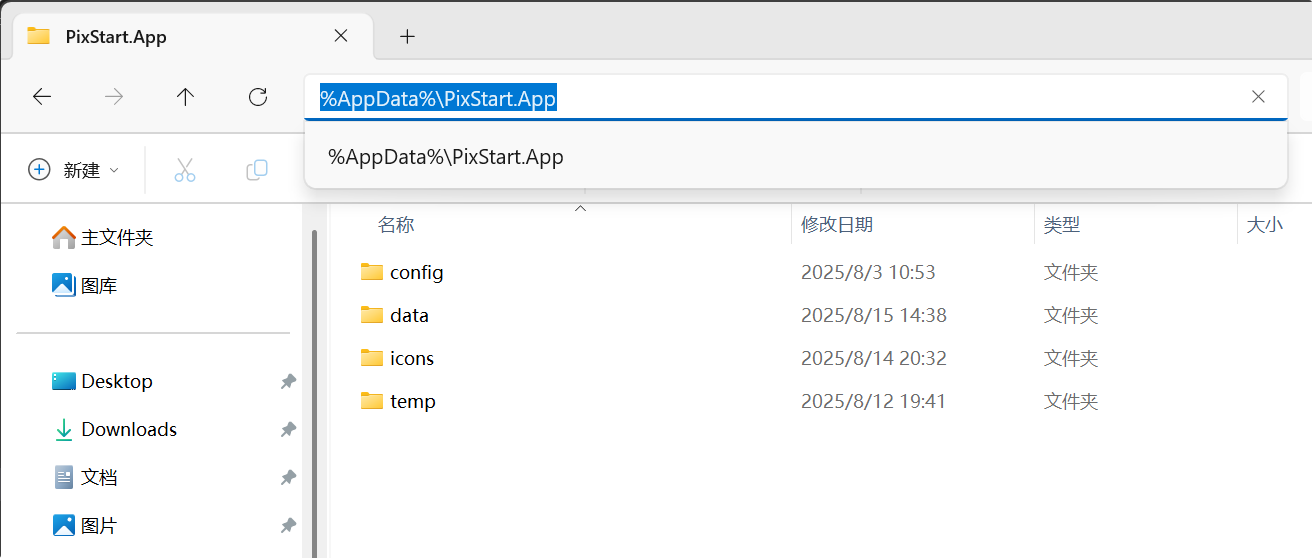
You can change the data storage path in the software according to your needs.
How to manually change the data storage path
First exit the software, then create a dataPath.ini file in PixStart's installation path.
Open this file and fill in the data storage path, for example:
E:\WorkPath\PixStartDataThen copy PixStart's data folder to the path you just filled in, and restart the software.